

TacticsBoard: Ultimate Coaching Tool for 22 Sports
Overview
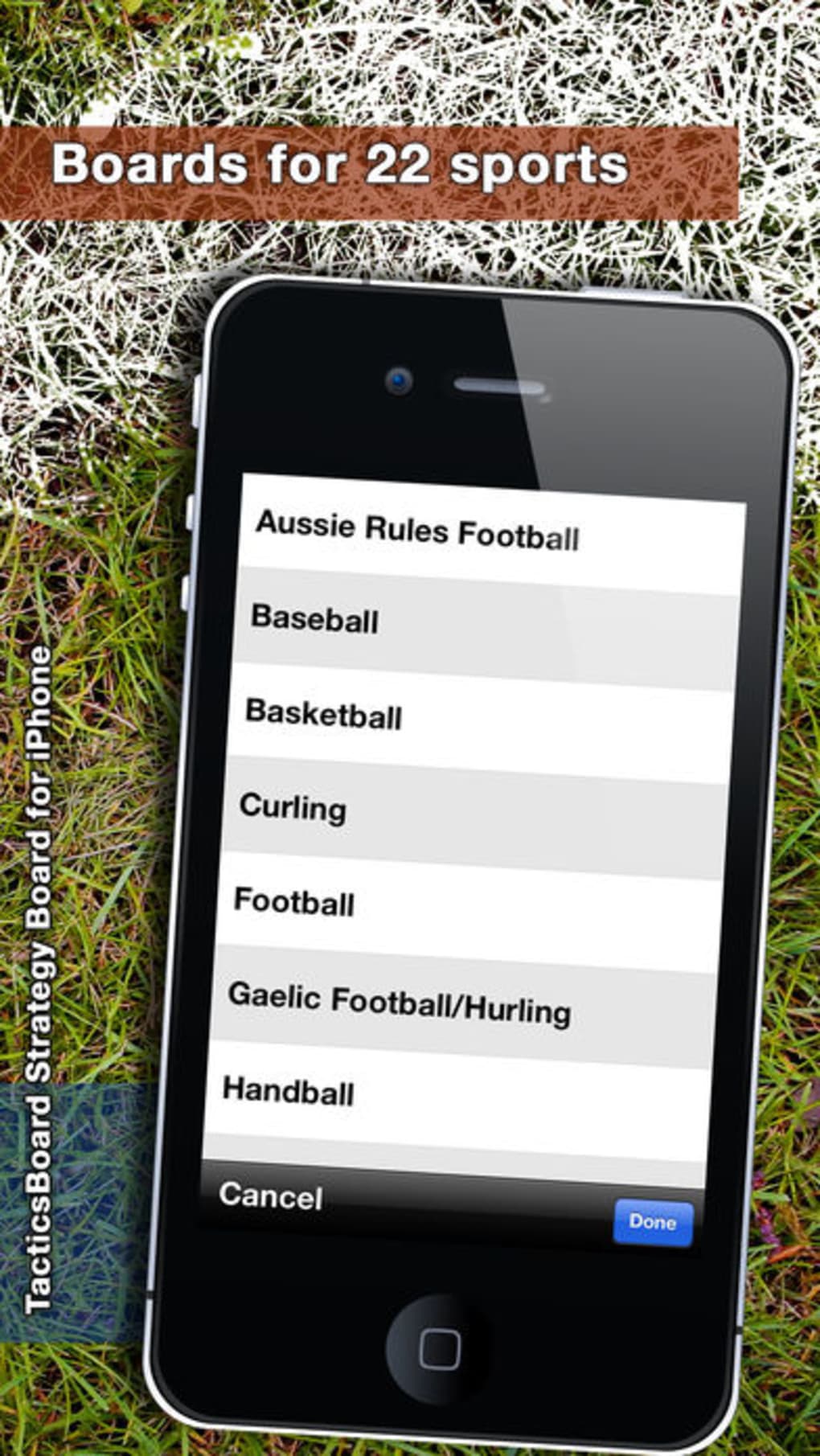
TacticsBoard is a specialized desktop application designed for coaches across 22 different sports, offering a streamlined platform for planning, visualizing, and managing game strategies. Built specifically for iOS devices, this tool enables coaches to create detailed tactical diagrams, annotate plays, and organize training sessions with precision. Its core purpose lies in simplifying complex strategic workflows, making it easier to communicate game plans to athletes and staff. The software is particularly suited for sports professionals, youth coaches, and team trainers who rely on visual aids to enhance team performance.
Target users include individuals in football, basketball, tennis, and other competitive sports where visual strategy execution is critical. The application supports both iPhone and iPad, allowing for flexible use during practice, in the field, or in the locker room. While the developer, Magno Urbano, has not provided additional background on their experience or development history, the software’s focus on tactical analysis and visualization suggests a strong understanding of coaching needs. Real-world scenarios include preparing pre-game strategies, reviewing video footage with annotated diagrams, and conducting post-match debriefs.
Key Features & Capabilities
- Multi-Sport Tactical Planning – Designed for 22 sports, enabling coaches to create sport-specific diagrams and strategies tailored to unique gameplay dynamics.
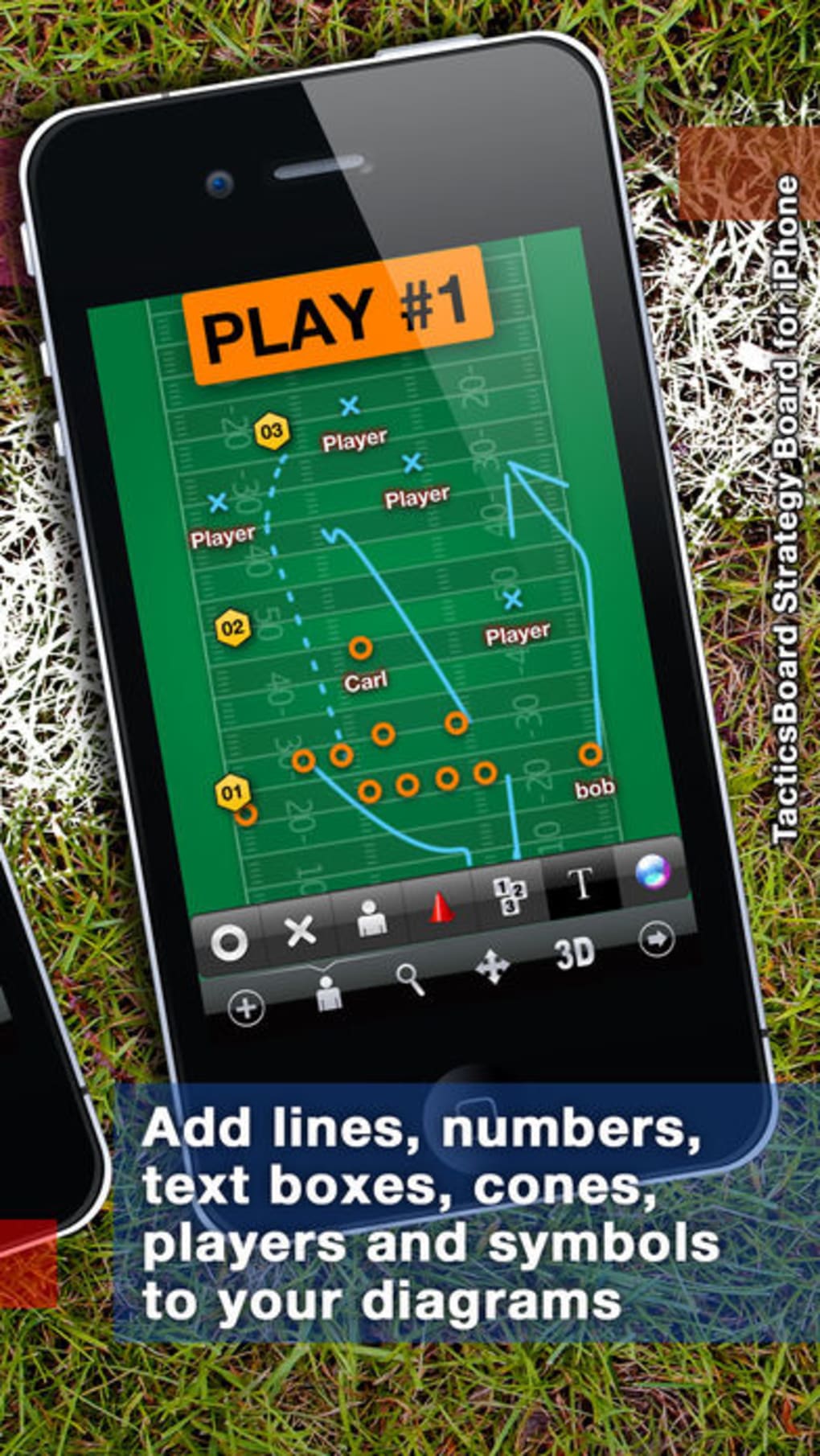
- Visual Strategy Visualization – Offers intuitive drawing and annotation tools to map out player positions, movements, and team formations.
- Game Plan Management – Allows users to save, organize, and retrieve multiple game plans for different opponents or scenarios.
- Language Support – Available in both English and Portuguese, supporting a broader international user base.
- Compatibility with iOS 12.1.2 and Above – Ensures functionality on modern iOS devices with up-to-date system requirements.
These features empower coaches to transition from abstract ideas to actionable visual plans. For example, a football coach can sketch a defensive formation, label player roles, and share it instantly with the team. Similarly, a basketball coach might use the tool to illustrate a pick-and-roll sequence during a team meeting. The ability to store and recall past strategies enhances consistency across training sessions and seasons.
User Interface, Workflow & Performance
The user interface of TacticsBoard is structured around simplicity and visual clarity, prioritizing ease of access to core tools. Navigation is intuitive, allowing users to quickly switch between templates, drawing modes, and saved game plans. The workflow is designed to mirror real coaching processes—start with a base diagram, annotate with lines and labels, and save or share the final version.
While specific performance metrics such as CPU or RAM usage were not disclosed, the application runs on iOS 12.1.2 or later, suggesting optimized performance for current Apple devices. Stability is expected to be consistent given the platform’s ecosystem controls. The developer did not specify resource usage details, but general software behavior patterns indicate smooth operation under normal usage conditions. The application’s responsiveness during drawing and editing tasks appears to be efficient, enabling real-time adjustments during meetings or training sessions.
Compatibility & System Requirements
TacticsBoard is designed exclusively for iOS devices, including iPhone and iPad. The current version is 9.0, and the software requires iOS 12.1.2 or a later operating system to function. Installation size is 148.5 MB, which is moderate for a feature-rich coaching application. The developer did not provide additional system requirements, such as processor speed or memory specifications.
Compatibility information is limited to the operating system and device type. No details were given about support for older iOS versions or potential future updates. Users should ensure their device meets the minimum OS requirement to avoid installation issues. The application’s size suggests it includes a comprehensive library of templates and tools, but no further technical breakdown was provided.
Pros and Cons
Pros
- Supports 22 sports, offering broad applicability across different disciplines.
- Intuitive interface designed for fast adoption by coaches.
- Offers visual strategy creation with real-time annotation tools.
- Available in English and Portuguese, enhancing global accessibility.
- Free to download and use, removing cost barriers for users.
Cons
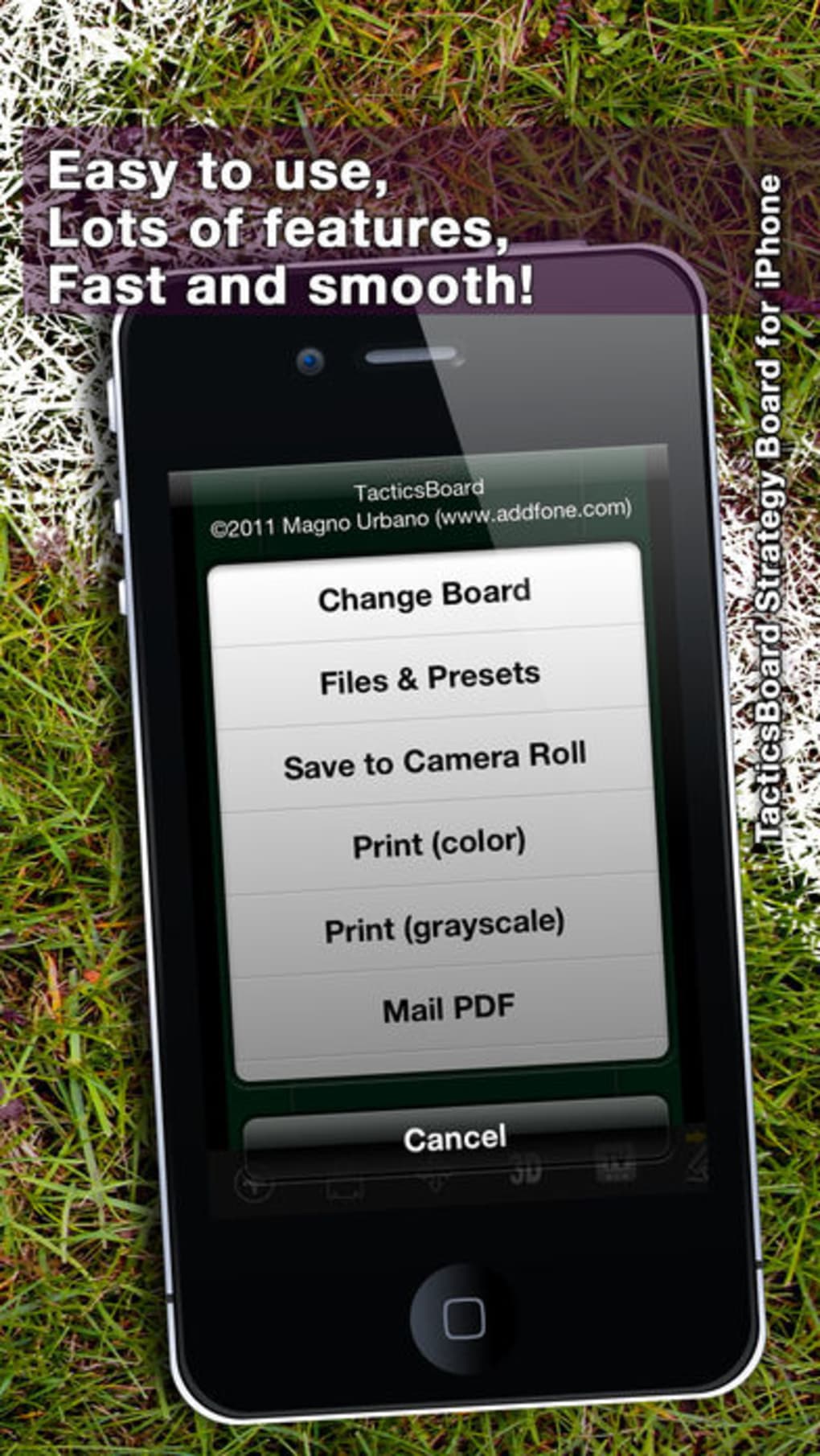
- No information on advanced export or sharing options.
- Platform is limited to iOS, excluding Android and desktop users.
- Exact performance details and system requirements were not specified.
- Limited to mobile devices; no desktop or web version available.
- Release date is 2019, raising questions about ongoing updates and support.
FAQ Section
Is TacticsBoard available for Android devices?
TacticsBoard is currently designed exclusively for iOS devices, including iPhone and iPad. There is no official version available for Android platforms.
Can I use TacticsBoard offline?
Yes, the application can be used offline after installation. All saved game plans and templates are stored locally on the device.
How often is TacticsBoard updated?
The software was last updated in 2019, and no information about future update schedules has been provided by the developer.
Is TacticsBoard secure and private?
As a mobile application running on iOS, TacticsBoard benefits from Apple’s built-in security features. However, the developer did not provide specific details about data encryption or privacy policies.
What license type does TacticsBoard use?
TacticsBoard is available for free, with no subscription or in-app purchase requirements. It is distributed as a one-time download with no recurring fees.
Final Thoughts + CTA
TacticsBoard stands out as a focused, no-frills tool for coaches who need a reliable way to visualize and manage game strategies across 22 sports. Its clean interface, multi-sport support, and free access make it a compelling option for both amateur and professional coaching staff. While its iOS-only restriction and lack of recent updates may raise concerns, the core functionality remains relevant for users seeking a dedicated tactical planning solution.
For coaches who rely on visual aids to communicate complex strategies, TacticsBoard delivers a practical and accessible experience. The absence of in-app purchases or subscription fees enhances its value proposition. Despite limited information on performance and future development, the software continues to serve its intended purpose effectively.
Download TacticsBoard now to streamline your coaching workflow and bring your game plans to life with precision.







